Custom GPTs: How to Create and Use ChatGPT Apps That Do Exactly What You Want
Building a custom GPT takes fifteen minutes. Knowing whether you should is the harder question — most people build one, use it twice, and abandon it. Here is the test that predicts which ones survive.

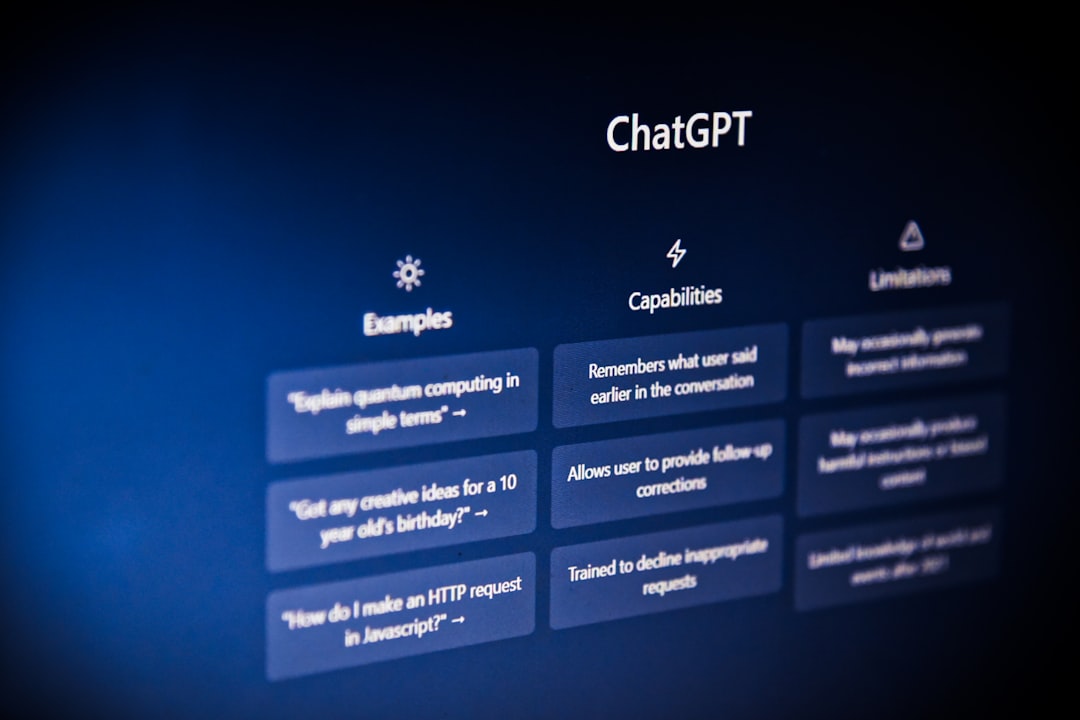
Building a custom GPT is easy enough that it is not the interesting question. Fifteen minutes, mostly a conversation with a setup assistant, no technical skill required.
The interesting question is which ones survive. Most custom GPTs are used enthusiastically for a week and never opened again, and the reason is consistent enough to state as a test.
If you cannot name the last three times you did this task, do not build a GPT for it.
That is nearly the whole decision. A custom GPT is stored setup work, and stored setup only pays back across repetition. Building one for a job you will do twice costs more than doing the job twice.
What They Actually Are
A custom GPT is the same model with three things attached: standing instructions describing the job, optional reference files it can consult, and a fixed choice of enabled capabilities.
That is genuinely all. There is no fine-tuning, no separate model, nothing learned from your usage. Understanding this prevents the most common disappointment — people expect a custom GPT to become better at their domain over time, and it does not. It applies the same instructions on day one and day two hundred.
What it removes is the re-explanation. Rather than opening a chat and describing your brand voice, your constraints, and your format for the fortieth time, you open the assistant that already knows.
When It Beats Custom Instructions
These get confused constantly and the distinction is simple.
Custom instructions apply to everything — they are for standing preferences that are true of you regardless of task. Your profession, your tone, your general output preferences.
A custom GPT is for one job with requirements that would be wrong applied globally. Instructing every conversation to follow your company's editorial style guide would be actively unhelpful when you are asking about a plumbing problem. Putting it in a dedicated writing assistant is right.
The practical rule: if it should apply always, it is an instruction. If it applies only when you are doing a specific thing, it is a GPT.
The Part That Actually Matters
Uploaded files are the difference between a useful custom GPT and a saved prompt.
Anyone can write instructions. What makes an assistant genuinely yours is reference material it can consult — your style guide, your product documentation, past examples of work you consider good, your standard terms, the internal glossary nobody outside the company understands.
This is where the real payoff is, and it is the step most people skip. A GPT with good instructions and no files is a prompt you did not have to retype. A GPT with your actual reference material is answering from your context rather than the internet's average.
Two things worth knowing. Quality beats quantity — three well-chosen documents outperform thirty, because retrieval gets less precise as the pile grows. And uploaded files are readable by anyone you share the GPT with, which people discover at inconvenient moments. Do not upload anything you would not hand over.
Building One
The builder walks you through it conversationally, which is pleasant and produces mediocre instructions. Describe what you want, then go into the configure tab and rewrite the instructions properly by hand.
What separates instructions that work: describe the process, not the goal. "Write great marketing copy" gives it nothing. Telling it to ask about the audience first, then produce three headline options, then wait for a choice before drafting — that is a workflow it can follow.
Say what to refuse or redirect. Assistants drift toward general helpfulness, and one that stays narrow is more useful than one that will cheerfully answer anything.
Include a concrete example of good output if you can. As with prompting generally, one sample teaches more than a paragraph of description.
Then turn off capabilities you do not need. Web browsing on a GPT that should answer only from your uploaded documents is a way to get answers from somewhere else entirely, and you will not always notice.
Ideas That Survive Contact
The ones I have seen last share a shape: narrow, frequent, and dependent on reference material.
A brand-voice writer with your style guide and your best past work uploaded. A support-reply assistant with your product docs and standard responses. A meeting-notes processor with your project vocabulary. A code reviewer with your team's conventions written out. A first-pass editor that checks a draft against your own house rules.
The ones that die are broad and infrequent — "creative ideas assistant", "business advisor", "learning helper". Not because they are bad, but because there is nothing to configure that a normal chat does not already handle, so opening the GPT is pure ceremony.
The Store, Honestly
The GPT Store is worth browsing before you build and is mostly not worth publishing to.
Browsing is genuinely useful — someone has often already built the thing, and trying theirs takes two minutes against your fifteen. Look at how the good ones are configured; it is a fast way to learn what solid instructions look like.
Publishing is a different matter. The store is saturated with thin wrappers around a prompt, discovery is difficult, and revenue sharing has been limited and inconsistently available. Building a custom GPT as an income stream is not a plan I would recommend — the realistic version of earning from AI is covered in how to make money with AI, and it does not look like this.
Limitations Worth Knowing Upfront
They do not learn. Every conversation starts from the same configuration, so a GPT that gets something wrong will keep getting it wrong until you edit the instructions.
They do not talk to each other. No chaining, no handoff between assistants. If your workflow has three stages, that is three separate conversations you move between manually.
Long instructions degrade. Past a certain length, earlier directions get less reliable attention. Tight instructions beat exhaustive ones.
And access has moved between plans more than once. If a guide tells you confidently what your tier includes, verify it rather than trusting it.
Where They Fit
Custom GPTs sit between custom instructions and genuine automation. More configurable than a preference, far less capable than a system that runs on its own — AI agents covers what actually autonomous looks like, and it is a different category.
Used well, they remove setup friction from work you do repeatedly — and if the recurring job is editing a document rather than starting one, Canvas is the feature you actually want. That is a modest description and it is the accurate one. If you already use ChatGPT daily for a handful of recurring jobs, building assistants for those two or three is worth an afternoon — and building for anything else is a pleasant way to spend fifteen minutes on something you will not open again.
Worth reading alongside: ChatGPT tips and tricks for the features that change results more than prompt wording, and how to use ChatGPT for work for where the output can be trusted at all.
Frequently Asked Questions
- What is a custom GPT?
- A version of ChatGPT preconfigured with its own standing instructions, optionally its own uploaded reference files, and a fixed set of enabled capabilities. It is the same underlying model with the setup work already done, so you open it and start rather than re-explaining the job each time.
- Do I need ChatGPT Plus to create a custom GPT?
- Building one requires a paid plan. Using GPTs that others have published has been more widely available, though access has shifted between tiers more than once, so check your current plan rather than trusting a guide written months ago.
- Can I make money from custom GPTs?
- Realistically, no. Revenue sharing has been limited and inconsistently available, the store is saturated, and most published GPTs are thin wrappers around a prompt anyone could write. Build one because it saves you time, not as an income plan.
- What is the difference between a custom GPT and custom instructions?
- Custom instructions apply globally to every conversation you have. A custom GPT is a separate assistant you deliberately open for one kind of job, with its own instructions and its own uploaded files. Use instructions for standing preferences and a GPT for a specific recurring workflow.
- Why do most custom GPTs get abandoned?
- Because they were built for a task that does not actually recur. The build is enjoyable and takes fifteen minutes, which makes it easy to create one for a job you will do twice. If you cannot name the last three times you did the task, you will not open the GPT again.