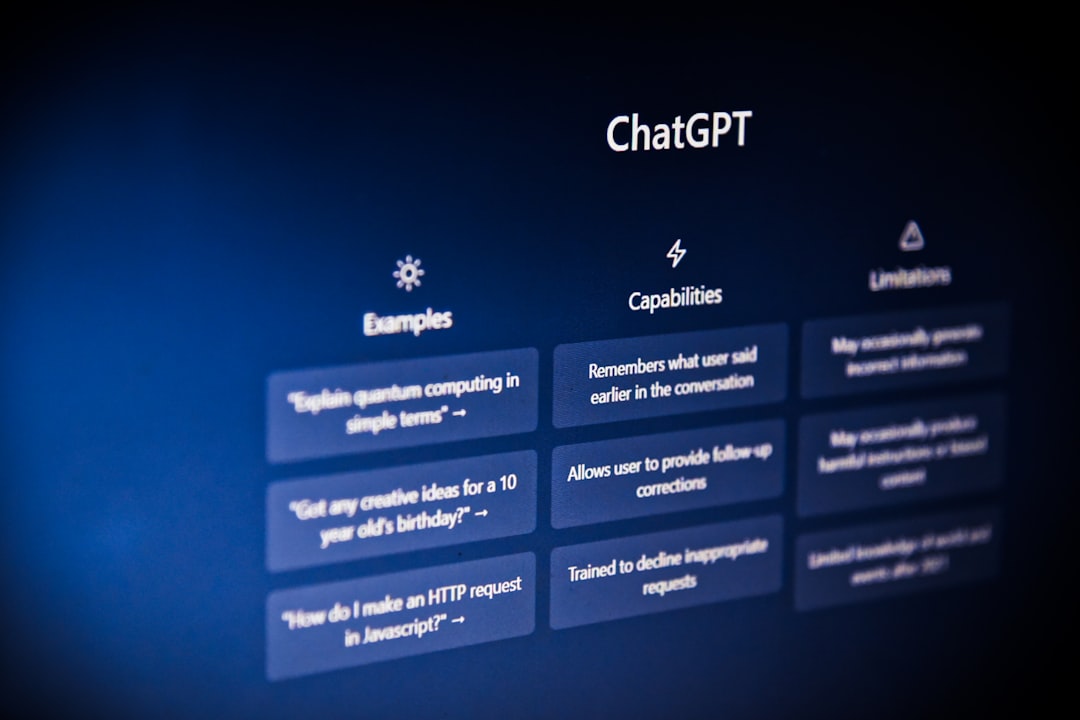
AI and Your Privacy: What Really Happens to Your Data
What happens to your data when you use ChatGPT or Claude? AI privacy explained. How to protect your privacy, opt out of training, and use AI safely.

I typed something personal into ChatGPT last month without thinking. Nothing scandalous, just a work frustration I was processing. Then I wondered: where did that confession actually go?
Turns out the answer is more complicated than AI companies want you to know. Not necessarily sinister, but definitely worth understanding before you share anything with these systems.
Let me walk you through what actually happens to your data and what you can realistically do about it.
What Happens When You Send a Message
When you type something into an AI chatbot, here is the basic flow:
Your message travels over the internet to the company's servers. The AI model processes your input and generates a response. That response comes back to you. Simple enough.
But that is not the whole story. What happens to your data after that initial exchange varies significantly depending on the company, your settings, and the type of account you have.
Default Data Retention
Most AI services retain your conversations for some period. This serves several purposes:
Abuse monitoring. Companies need to detect and prevent misuse: illegal content requests, harassment, attempts to bypass safety measures.
Quality improvement. Some companies use conversations to improve their models. Your chat about cooking tips might help the AI better understand recipe questions in the future.
Service functionality. Conversation history lets you continue discussions, search past chats, and maintain context across sessions.
Legal compliance. Companies may be required to retain data for regulatory reasons or potential legal proceedings.
The specifics matter. Let me break down the major players.
ChatGPT and OpenAI
OpenAI is the biggest AI provider, which makes their practices particularly important.
What they collect: Your conversations, account information, device data, usage patterns, and any files you upload.
Default retention: Conversations are kept for 30 days for abuse monitoring, even if you delete them from your interface.
Training use: By default, OpenAI may use your conversations to train future models. This means something you share could theoretically influence how the AI responds to others later.
Opting out: You can disable chat history in settings. This prevents training use but conversations may still be retained briefly for safety monitoring. The process is not obvious unless you know to look for it.
Enterprise different: Business and enterprise accounts have different terms. Data is typically not used for training, and additional privacy controls exist.
I recommend reviewing OpenAI's data controls if you use ChatGPT regularly. The settings exist but are not prominently featured.
Claude and Anthropic
Anthropic takes a different approach that tends to be more privacy-friendly by default.
What they collect: Similar data to OpenAI - conversations, account info, usage data.
Training policy: Anthropic states they do not train on user conversations without explicit consent. This is a meaningful difference from OpenAI's default.
Retention: Conversations are retained for providing the service and safety monitoring, but the specifics are less clearly documented than I would like.
Deletion: Users can delete conversation history, though like most services, complete instant deletion is not guaranteed.
If privacy is a significant concern, Claude's default policies are currently more favorable. But remember: policies can change.
For a full comparison of these platforms beyond privacy, see our ChatGPT vs Claude guide.
Google and Bard/Gemini
Google's AI products tie into their broader data ecosystem.
Integration: Google AI interacts with your broader Google data. This has benefits (personalization) and drawbacks (more comprehensive tracking).
Data use: Google uses data across services to improve products, including AI. Your AI conversations are part of a larger data picture.
Controls: Google's privacy settings are relatively comprehensive but complex. Multiple menus and options spread across different Google services.
History: Google has a long track record with personal data that informs how they handle AI data. Make of that what you will.
The Real Risks
Let me be practical about what actually threatens your privacy:
Your Data Training Future Models
When your conversations train AI models, they do not directly appear in other people's chats. The training process generalizes patterns across millions of conversations. Your specific input gets diluted into statistical relationships.
That said, research has shown AI can sometimes reproduce training data in unexpected ways. Rare, but documented. I would not share anything through AI that I would be deeply uncomfortable seeing leaked.
Employee Access
AI company employees can potentially access your conversations. This is typically limited to specific purposes: safety review, abuse investigation, quality assurance.
But humans with access create risk. Disgruntled employees, security breaches, or overreach could expose private conversations. Business accounts usually have stricter access controls.
Data Breaches
AI companies are high-value targets for hackers. A breach could expose conversation histories for millions of users.
Major AI providers invest heavily in security, but no system is impenetrable. Consider whether conversations you have could harm you if publicly exposed.
Legal Requests
Governments can compel companies to provide user data. Depending on jurisdiction and circumstances, your AI conversations could potentially be subpoenaed.
This matters more for some people than others. Journalists, activists, lawyers with clients, and anyone in sensitive situations should consider this carefully.
The Metadata Issue
Even if conversation content is protected, metadata tells a story. When you chat, how often, about what topics (broadly), and usage patterns all reveal information even without specific content.
What You Can Actually Do
Privacy in AI is not all-or-nothing. Practical steps can meaningfully improve your situation.
Adjust Your Settings
Check privacy settings in every AI tool you use. Look for:
- Chat history options (often can be disabled)
- Data training opt-outs
- Data deletion capabilities
- Conversation export for your records
These settings exist but companies do not highlight them. Spend ten minutes exploring your account settings.
Be Strategic About What You Share
Simple principle: do not share with AI anything you would not share with a stranger who might tell others.
Avoid sharing:
- Personal identifying information
- Passwords or sensitive credentials
- Confidential business information
- Private communications from others
- Information that could harm you if leaked
This is not paranoia. This is basic digital hygiene.
Use Accounts Appropriately
Many AI tools work without accounts, offering more anonymity. Consider when you actually need logged-in features versus when anonymous access suffices.
For work purposes, use business accounts with appropriate privacy terms rather than personal accounts.
Consider Local AI Options
AI models can run on your own computer without sending data anywhere. These local options:
Advantages: Complete privacy, no internet required, your data never leaves your device
Disadvantages: Less capable than cloud AI, requires decent hardware, less convenient
For sensitive use cases, local AI might be worth the tradeoffs. The capability gap is shrinking over time.
Segment Your Usage
Use different AI tools for different purposes. Maybe one service for casual questions and another for work tasks. Compartmentalization limits exposure.
Stay Informed
Privacy policies change. Company practices evolve. New regulations emerge. Staying generally aware of AI privacy developments helps you make better decisions.
Our AI ethics guide covers broader considerations around responsible AI use.
The Bigger Picture
AI privacy concerns fit into a larger context of digital privacy that has been eroding for decades. AI makes it more salient because conversations feel personal in a way that search queries do not.
Some observations:
The trade-off is real. Cloud AI provides capabilities that local alternatives cannot match. Using these services means accepting some privacy compromise. Each person must decide where their line is.
Regulation is coming. Governments worldwide are working on AI regulations that will likely include privacy requirements. Future practices may be significantly different from current ones.
Company incentives matter. AI companies profit from your usage. This creates tension between privacy protection and business interests. Understanding this dynamic helps you evaluate their claims.
You are not the customer for free tiers. When you use free AI services, you are contributing data and usage that has value. The service is not purely altruistic.
Practical Guidelines
Here is how I personally approach AI privacy:
Low-stakes casual use: I use cloud AI freely for things like brainstorming, general questions, and content drafting. Nothing I share in these contexts would harm me if exposed.
Work-related use: More careful. I avoid sharing specific client information, confidential details, or anything covered by NDAs. Generic questions about industries or approaches are fine.
Personal and sensitive: Very cautious. Anything emotionally sensitive, health-related, or deeply personal either does not go into AI or goes into local models only.
Critical security: Never. Passwords, financial details, and truly confidential information do not go into AI systems. Period.
Your guidelines might differ based on your circumstances. The key is having a framework rather than sharing things thoughtlessly.
The Bottom Line
AI privacy is not a solved problem. Cloud AI services collect your data, retain it in various ways, and may use it for purposes you did not explicitly consider.
This does not mean you should avoid AI. These tools are genuinely useful. But informed usage beats naive trust.
Take a few minutes to review your settings. Think about what you share. Stay aware of how practices evolve. That basic awareness puts you ahead of most users.
The convenience of AI is real. So are the privacy implications. Navigate thoughtfully between them.
Frequently Asked Questions
Does ChatGPT store my conversations?
By default, yes. OpenAI retains conversation data for up to 30 days and may use it for model training unless you opt out. You can disable chat history in settings, which prevents your data from being used for training, though OpenAI may still retain it briefly for abuse monitoring.
Can AI companies see my private conversations?
Employees at AI companies can potentially access your conversations, typically for quality assurance, safety monitoring, or investigating abuse reports. However, this access is usually limited and governed by internal policies. Business and enterprise plans often have stricter privacy protections.
Which AI assistant is most private?
Claude from Anthropic currently has stronger default privacy practices, not using conversations for training without consent. Local AI models running on your own device offer the most privacy but with capability tradeoffs. No cloud AI service offers complete privacy guarantees.