Best AI Photo Editing Tools in 2026: Professional Results Without Photoshop Skills
Four AI editing operations went from specialist skills to one click. What they are, where they still fail, and the disclosure question nobody covers.

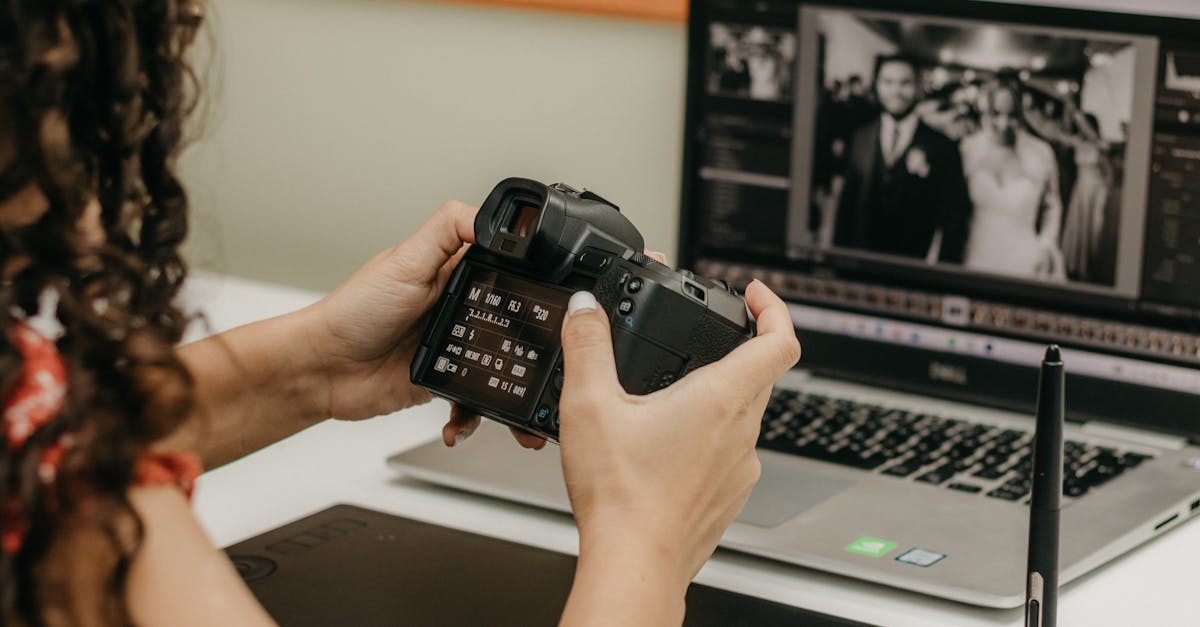
Four editing operations went from specialist skills to a single click within about three years. That is the whole story of AI photo editing, and everything else in this category is a variation.
Knowing which four — and where each still breaks — is more useful than any tool comparison, because every major editor now has all of them.
The Four
Object removal with generative fill. Select the thing you do not want, and the software invents plausible background to replace it. This used to be careful cloning work measured in tens of minutes. It is now instant and frequently perfect.
Subject cutout. Separating a person or object from the background, including hair, which was historically the single most tedious task in image editing. Now reliable enough that it is barely worth mentioning as a feature.
Upscaling. Turning a small or low-quality image into something usable at larger sizes, by generating detail rather than interpolating between pixels. Genuinely remarkable on faces and textures.
Intelligent tonal correction. Adjusting exposure, contrast and colour with an understanding of what is in the image — brightening a face without blowing out a sky.
Every one of these was a skill people were hired for. That is worth registering, because it is the clearest example in this whole field of a craft being compressed rather than a job being eliminated.
Where They Break
Hands and faces at small sizes. Generative fill near a hand produces extra fingers with some regularity. Check any output containing people at full resolution.
Text. Anything with lettering — signage, packaging, book spines — comes back as convincing gibberish. It looks like text and is not.
Repeating patterns. Brick, tile, fencing, bookshelves. Removing an object in front of a regular pattern produces a fill where the pattern breaks, and the eye catches it immediately even when the viewer cannot say why.
Reflections and shadows. Remove an object and its reflection frequently stays. This is the most commonly missed error, because you are looking at where the object was rather than where it appeared.
The general rule: examine the areas around your edit, not the edit itself. The tool got the thing you asked for and did something else nearby.
Upscaling, Honestly
Worth being precise, because this gets misunderstood in a way that matters.
Upscaling does not recover detail. The information was never captured. What it does is generate detail consistent with what it can see — plausible skin texture, plausible fabric weave, plausible foliage.
For display, print, and general use, that is fine and the results are excellent. Where it is not fine: anything the image is evidence of. Enhancing a security still, a document photograph, or anything that might be relied on to establish a fact is producing invented detail and presenting it as recovered detail.
That distinction is the same one that governs where AI is trustworthy generally — the output is plausible rather than retrieved, and it does not signal which.
The Disclosure Question
Most guides skip this and it is the part with actual consequences.
Photographers have always corrected exposure, removed dust, and adjusted colour. Nobody discloses that and nobody should have to. Those operations present what was there more accurately.
Adding content, removing content, or substantially altering what an image shows is a different act, and where the image is documentary, journalistic, or commercial it becomes a misrepresentation question.
The clearest case is property listings — virtual staging is useful and must be disclosed, and buyers who discover an undisclosed alteration at a viewing do not come back. AI for real estate agents covers that specifically.
The workable line: enhance what was there, disclose what you added.
Which Tool
Less interesting than it used to be, because the four operations are now in essentially everything.
The full professional editors have absorbed them and remain necessary for precise compositing and colour work to specification. The lighter photo managers cover the four operations well and are enough for most people. The web-based single-purpose tools do one thing quickly and are useful when you do not want to open anything.
Practically: whatever you already use probably does all four. Check before subscribing to something new — pricing across this category shifts often, and a surprising amount of it is now bundled into software you are already paying for.
What This Actually Changed
The technical barrier to competent image editing is essentially gone. Cutout, retouching and correction no longer require training.
What has not changed is knowing what a good image looks like, what to remove and what to leave, and when an edit has gone too far. That judgement is the part that was always the actual skill — the technical execution was just what stood in front of it.
Which is the same conclusion as AI vs human writers, reached from a different direction: production got commoditised, judgement did not.
For generating images rather than editing them, AI image generation covers the landscape and Midjourney covers the current state of the most aesthetically distinctive option.
Frequently Asked Questions
- What can AI photo editing actually do?
- Four things exceptionally well: removing objects and filling the gap convincingly, cutting subjects from backgrounds, upscaling low-resolution images, and applying tonal corrections intelligently. Each was previously a specialist skill measured in hours.
- Is AI photo editing good enough to replace Photoshop?
- For the four operations above, the AI version is faster and often better. For precise compositing, colour work to a specification, and anything needing exact control, a full editor remains necessary — and the major editors have absorbed the AI features anyway.
- Do I need to disclose AI editing of photos?
- It depends what you changed. Tonal correction and dust removal have always been normal. Adding, removing, or substantially altering content in anything documentary, journalistic, or commercial — property listings especially — is a misrepresentation question and usually requires disclosure.
- What does AI photo editing still get wrong?
- Hands, text, reflections, and complex repeating patterns. Generative fill inventing background behind a removed object is convincing until you look at a brick wall or a bookshelf, where the pattern breaks in ways the eye catches.
- Is AI upscaling real detail or invented detail?
- Invented. It generates plausible detail consistent with what it sees rather than recovering information that was never captured. Excellent for display and print, and not acceptable where the image is evidence of something.