AI Image Generation: How to Create Amazing Images with AI
How to generate images with AI in 2026. Complete guide to Midjourney, DALL-E, and Stable Diffusion with prompts, tips, and examples for beginners.
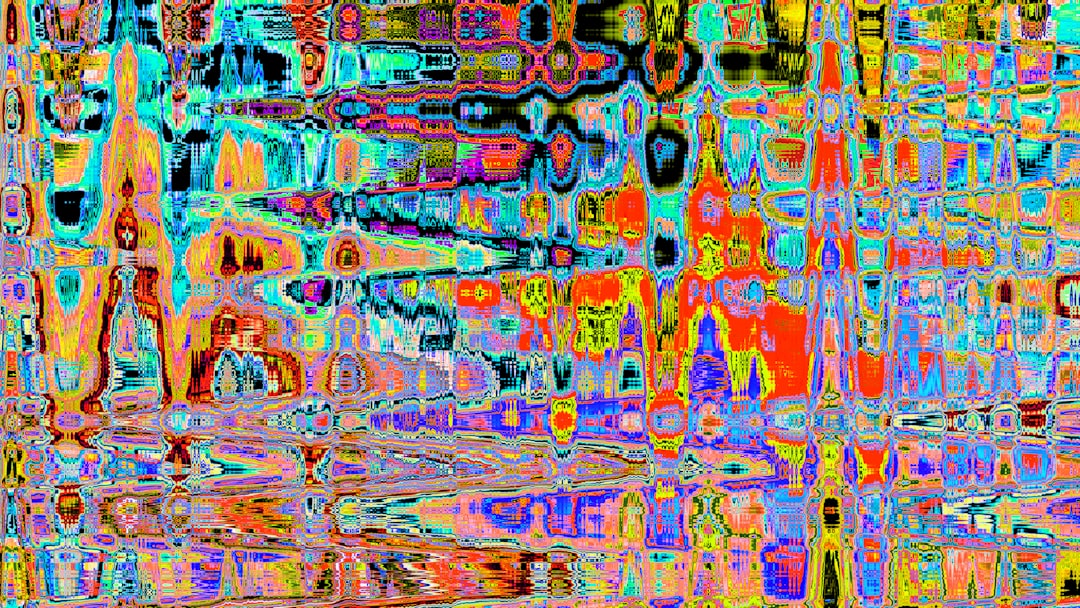
AI image generation has revolutionized digital art and content creation. Anyone can now create professional-quality images with just text descriptions.
This guide teaches you everything about AI image generation.
How AI Image Generation Works
AI image generators use deep learning to create images from text descriptions called prompts.
The AI has been trained on millions of images with descriptions. When you provide a prompt, it generates a new image matching your description based on patterns it learned.
You write: "A cat wearing sunglasses on a beach at sunset"
AI creates: A unique image matching that description
Top AI Image Generators
Midjourney
The most popular choice for high-quality artistic images.
Pros:
- Exceptional image quality
- Strong artistic styles
- Active community
Cons:
- Requires Discord
- Monthly subscription required
- Learning curve for prompts
Pricing: $10-$60/month
DALL-E 3
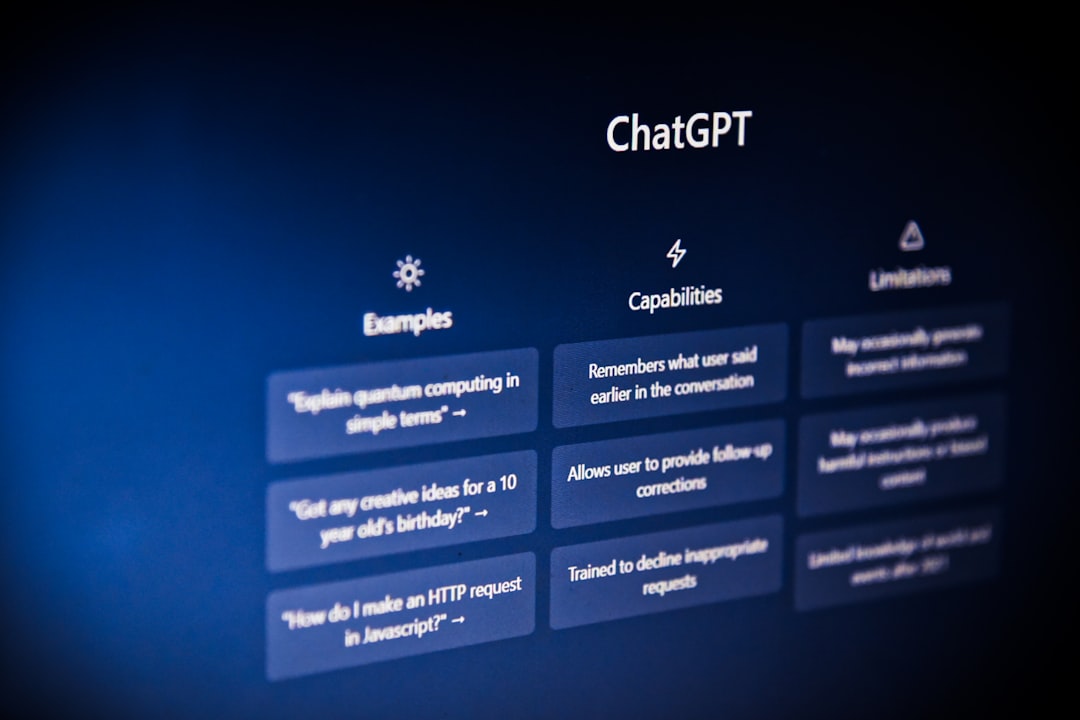
OpenAI's image generator, integrated with ChatGPT.
Pros:
- Excellent text rendering
- Follows prompts accurately
- Easy to use
Cons:
- Limited daily generations on free tier
- Less artistic flexibility
Pricing: Included with ChatGPT Plus ($20/month) or pay-per-image
Stable Diffusion
Open-source and highly customizable.
Pros:
- Free to run locally
- Extremely customizable
- Large community
Cons:
- Requires technical setup for local use
- Quality varies with settings
Pricing: Free (local) or various hosted options
Leonardo AI
User-friendly with powerful features.
Pros:
- Good free tier
- Consistent style
- Training options
Cons:
- Smaller community
- Fewer advanced features
Pricing: Free tier with 150 daily tokens
Writing Effective Prompts
The prompt is everything. Here is how to write better ones.
Basic Prompt Structure
Subject + Details + Style + Quality modifiers
Basic: "A dog"
Better: "A golden retriever puppy playing in autumn leaves, warm afternoon light, photograph, detailed"
Be Specific
Vague prompts give random results. Specific prompts give what you want.
Vague: "A house"
Specific: "A Victorian-style house with a wraparound porch, white exterior, climbing roses, spring morning, architectural photography"
Describe Style
Tell the AI what artistic style you want.
Photography styles:
- Portrait photography
- Product photography
- Street photography
- Macro photography
Art styles:
- Oil painting
- Watercolor
- Digital illustration
- Anime style
- Concept art
Artist references:
- In the style of Van Gogh
- Studio Ghibli style
- Pixar animation style
Quality Modifiers
Add terms that improve quality:
- Highly detailed
- Professional
- Award-winning
- 4K
- Cinematic lighting
- Sharp focus
Negative Prompts
Some tools support negative prompts to exclude unwanted elements:
"Beautiful landscape --no people, text, watermarks"
Prompt Examples by Category
Portraits
"Professional headshot of a business woman in her 30s, confident smile, neutral background, studio lighting, Canon EOS R5, shallow depth of field"
Products
"Minimalist perfume bottle on white marble surface, soft shadows, product photography, commercial quality, clean background"
Landscapes
"Misty mountain valley at sunrise, pine forest in foreground, layers of mountains fading into distance, golden hour, landscape photography, wide angle"
Fantasy Art
"Ancient dragon perched on a crystal mountain, iridescent scales reflecting sunlight, epic fantasy illustration, highly detailed, digital painting"
Architecture
"Modern minimalist house with floor-to-ceiling windows, infinity pool, desert landscape setting, architectural photography, golden hour"
Tips for Better Results
Iterate and Refine
Your first prompt rarely produces perfect results. Keep refining.
- Start with a basic idea
- Generate images
- Note what works and what does not
- Add or remove details
- Repeat until satisfied
Use Reference Images
Some tools accept image inputs to guide style or composition. This helps achieve consistent results.
Maintain Aspect Ratios
Different aspect ratios work better for different subjects:
- 1:1 (square) for portraits and products
- 16:9 for landscapes and scenes
- 9:16 for mobile content
- 4:3 for traditional photos
Experiment with Parameters
Each tool has settings that affect output:
- Stylization level
- Chaos/variation
- Quality settings
- Model versions
Learn what each parameter does in your chosen tool.
Common Use Cases
Social Media Content
Create unique images for posts, stories, and ads without expensive photoshoots.
Blog and Article Images
Generate relevant images that perfectly match your content.
Concept Art
Quickly visualize ideas for games, films, or products.
Marketing Materials
Create eye-catching visuals for campaigns and presentations.
Personal Projects
Make art for gifts, decorations, or just for fun.
Ethical Considerations
Copyright Questions
AI-generated images exist in a legal gray area. Most commercial use is generally accepted, but laws are evolving.
Artist Concerns
Some artists object to AI training on their work without consent. Consider the ethical implications.
Disclosure
When using AI images professionally, transparency is often appreciated.
Deepfakes
Never create deceptive images of real people without consent.
Getting Started
Step 1: Choose a Tool
Start with a free or low-cost option:
- Microsoft Designer (free)
- DALL-E via Bing (free)
- Leonardo AI (free tier)
Step 2: Practice Basic Prompts
Start simple and gradually add complexity.
Step 3: Learn from Others
Study prompts from community galleries and forums.
Step 4: Develop Your Style
Experiment until you find approaches that work for your needs.
Step 5: Build a Prompt Library
Save prompts that work well for future reference.
Conclusion
AI image generation is accessible to everyone. With practice, you can create professional-quality images for any purpose.
Start with simple prompts, learn from the results, and gradually develop your skills. The possibilities are endless.
Frequently Asked Questions
Can I use AI-generated images commercially?
It depends on the tool. Most paid plans allow commercial use. Always check the specific terms of service. Some tools restrict certain types of commercial use.
Which AI image generator is best for beginners?
Microsoft Designer (Bing Image Creator) and Canva AI are excellent for beginners due to their simple interfaces. For more control, DALL-E through ChatGPT Plus is very user-friendly.