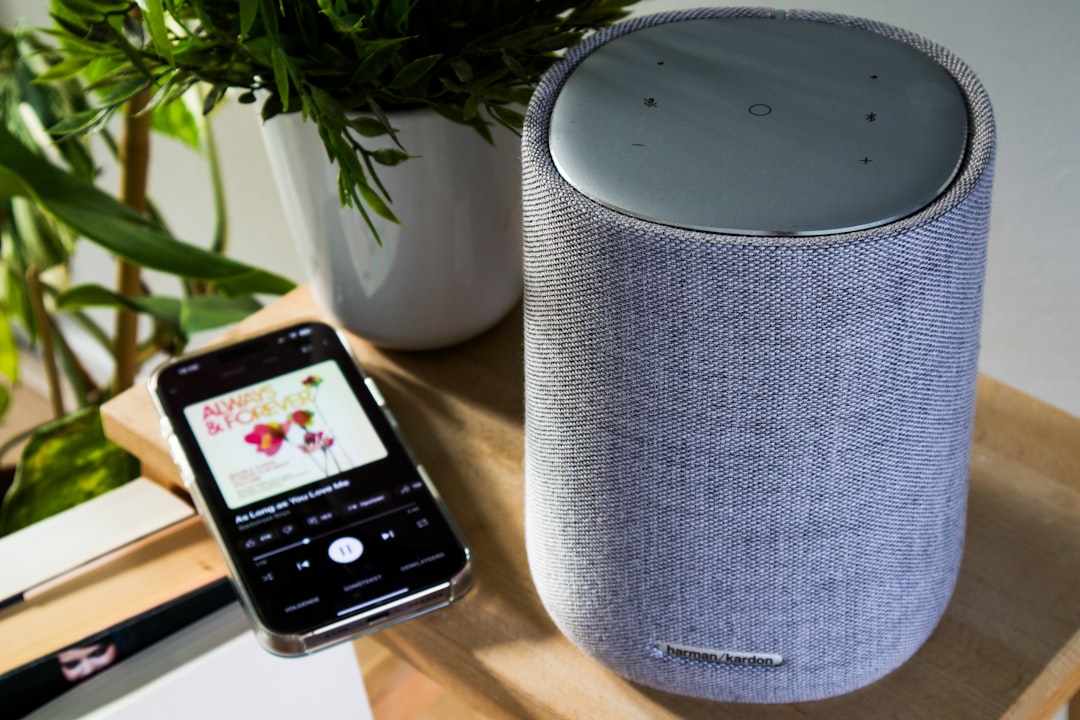
AI Voice Assistants: Complete Guide to Siri, Alexa, and Google Assistant
Siri vs Alexa vs Google Assistant compared for 2026. Which voice assistant is best for smart home, privacy, and daily use? Complete comparison guide.
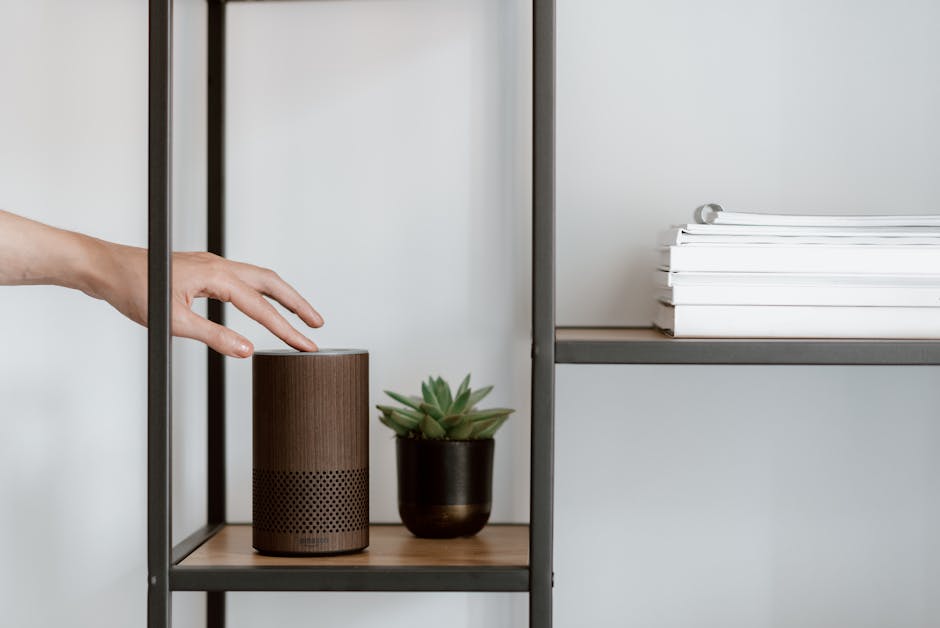
Voice assistants have become a central part of how we interact with technology. From setting reminders to controlling smart homes, these AI-powered helpers respond to natural speech commands.
This guide compares the major voice assistants and helps you get the most from them.
What Are AI Voice Assistants?
Voice assistants are AI systems that understand spoken language and respond to commands or questions. They use natural language processing, speech recognition, and machine learning to interpret what you say and take action.
Key capabilities:
- Answer questions
- Set timers and reminders
- Play music and media
- Control smart home devices
- Make calls and send messages
- Provide directions and traffic updates
- Shop online
Comparing Major Voice Assistants
Amazon Alexa
Available on: Echo devices, Fire TV, third-party speakers, apps
Strengths:
- Largest smart home compatibility
- Most third-party skills (over 100,000)
- Excellent shopping integration
- Strong multi-room audio
- Routine automation features
Limitations:
- Less natural conversation ability
- Privacy concerns with data storage
- Requires Amazon ecosystem for best experience
Best for: Smart home enthusiasts, Amazon Prime members, users wanting maximum device compatibility.
Google Assistant
Available on: Nest devices, Android phones, Google Home, smart displays, apps
Strengths:
- Best at answering questions (powered by Google Search)
- Superior natural language understanding
- Excellent integration with Google services
- Strong multilingual support
- Continued conversations without wake word
Limitations:
- Fewer third-party integrations than Alexa
- Data collection concerns
- Some features require Google account
Best for: People who want the smartest assistant for questions and Google service users.
Apple Siri
Available on: iPhone, iPad, Mac, Apple Watch, HomePod, Apple TV
Strengths:
- Best privacy protection
- Deep Apple ecosystem integration
- On-device processing for many tasks
- Seamless across Apple devices
- HomeKit smart home control
Limitations:
- Limited third-party skills
- Less capable at general knowledge
- Requires Apple devices
- Slower to add new features
Best for: Apple device users prioritizing privacy and ecosystem integration.
Microsoft Cortana
Available on: Windows, Microsoft 365 apps
Strengths:
- Microsoft 365 integration
- Calendar and email management
- Windows integration
Limitations:
- Consumer features discontinued
- Now focused on enterprise productivity
- No smart home support
Best for: Business users within Microsoft 365 environment.
Setting Up Voice Assistants
Basic Setup Steps
- Download the app - Get the companion app for your assistant
- Create an account - Sign in or create a new account
- Connect devices - Follow prompts to set up speakers or displays
- Configure settings - Customize voice, language, and preferences
- Link services - Connect music, calendar, and smart home accounts
Voice Training
Most assistants benefit from voice training:
- Improves recognition accuracy
- Enables voice-specific features
- Helps distinguish household members
Multi-User Setup
Configure multiple voices for:
- Personalized responses
- Individual calendars and reminders
- Separate music preferences
- Purchase authentication
Smart Home Integration
Connecting Devices
Compatible device categories:
- Lights and switches
- Thermostats
- Door locks
- Security cameras
- Doorbells
- Plugs and outlets
- Appliances
Popular Smart Home Brands
Works with all three major assistants:
- Philips Hue
- Ring
- Nest/Google
- TP-Link
- Ecobee
- August
Creating Routines
Automate multiple actions with single commands.
Morning routine example:
- "Good morning" triggers:
- Lights on at 70%
- Thermostat to 72 degrees
- Weather and calendar briefing
- Coffee maker start
Bedtime routine example:
- "Goodnight" triggers:
- All lights off
- Doors locked
- Thermostat lowered
- Alarm set
Room-Based Control
Group devices by room for easier control.
Example: "Turn off the living room" controls all living room devices at once.
Privacy and Security
Data Collection
Voice assistants collect:
- Voice recordings (varies by setting)
- Command history
- Usage patterns
- Location data
- Connected service data
Privacy Settings
Review and delete recordings:
- Alexa: Settings > Alexa Privacy > Review Voice History
- Google: My Activity at myactivity.google.com
- Siri: Settings > Siri & Search > Siri & Dictation History
Limit data collection:
- Disable voice recording storage
- Use on-device processing where available
- Delete history regularly
- Review third-party skill permissions
Security Best Practices
- Enable voice PIN for purchases
- Use voice recognition for personal info
- Review connected accounts regularly
- Keep firmware updated
- Be careful with sensitive commands
Advanced Features
Multi-Room Audio
Play synchronized music across multiple speakers.
Setup:
- Create speaker groups in the app
- Name groups (e.g., "Everywhere" or "Downstairs")
- Control playback by group name
Intercom Features
Use speakers as an intercom system.
Commands:
- "Announce dinner is ready"
- "Drop in on the kitchen"
- "Broadcast I'm home"
Follow-Up Mode
Continue conversations without repeating the wake word.
Enable: Settings in each assistant's app
Usage: Ask a question, then ask follow-ups naturally
Whisper Mode
Speak quietly and get quiet responses.
Useful for: Late night queries without disturbing others
Multilingual Mode
Switch between languages seamlessly.
Support varies: Google Assistant handles this best
Common Commands
Information
- "What's the weather?"
- "What time is it in Tokyo?"
- "How do you spell [word]?"
- "What's 15% of 85?"
- "Tell me a joke"
Productivity
- "Set a timer for 10 minutes"
- "Remind me to call mom at 5 PM"
- "Add milk to my shopping list"
- "What's on my calendar today?"
- "Wake me up at 7 AM"
Entertainment
- "Play jazz music"
- "Play the latest news"
- "Tell me a story"
- "What movies are playing nearby?"
- "Play [show] on Netflix"
Smart Home
- "Turn on the lights"
- "Set the thermostat to 72"
- "Lock the front door"
- "Show me the front door camera"
- "Start the robot vacuum"
Communication
- "Call mom"
- "Send a text to John"
- "Read my messages"
- "Make an announcement"
Troubleshooting
Recognition Issues
Problems:
- Assistant not responding
- Misunderstanding commands
- Slow response times
Solutions:
- Check internet connection
- Move device away from noise sources
- Retrain voice recognition
- Speak clearly and at normal pace
- Check microphone for obstructions
Connection Problems
Problems:
- Devices not responding
- Skills not working
- Delayed actions
Solutions:
- Check device power and wifi
- Re-link accounts if needed
- Update firmware and apps
- Restart devices
Smart Home Issues
Problems:
- Devices not discovered
- Commands not working
- Lag in responses
Solutions:
- Ensure devices are on same network
- Re-discover devices
- Check manufacturer app first
- Verify skill or service is enabled
Choosing the Right Assistant
Consider Your Ecosystem
- Apple users: Siri offers seamless integration
- Google users: Google Assistant connects services
- Amazon shoppers: Alexa provides shopping features
- Windows users: Cortana for Microsoft 365
Consider Your Priorities
- Privacy first: Apple Siri
- Best answers: Google Assistant
- Smart home: Amazon Alexa
- Mixed ecosystem: Google Assistant or Alexa
Consider Your Devices
- Check what assistants your existing devices support
- Consider speaker quality needs
- Think about display preferences
- Plan for future expansion
The Future of Voice Assistants
Emerging Trends
Generative AI integration: Assistants are becoming more conversational with GPT-like capabilities.
Ambient computing: Assistants that proactively help without explicit commands.
Better context awareness: Understanding complex, multi-part requests.
Improved privacy: More on-device processing for sensitive data.
Conclusion
Voice assistants have evolved from novelty to necessity for many households. Choose based on your existing devices, privacy preferences, and primary use cases.
All major assistants handle basic tasks well. The differences emerge in smart home breadth, question answering ability, and ecosystem integration.
Frequently Asked Questions
Which voice assistant has the best privacy?
Apple Siri is generally considered the most privacy-focused, processing more requests on-device and linking less data to your identity. Google and Amazon offer robust privacy controls but collect more data for personalization.
Can voice assistants work without internet?
Limited offline functionality exists. Siri can handle some basic tasks offline on newer devices. Alexa and Google Assistant require internet for most functions but can process some commands locally for faster response.