AI Video Generation: Create Videos with Sora, Runway, and Pika Labs
How to create videos with AI in 2026. Complete guide to Sora, Runway, and Pika Labs. Text to video AI tools compared with examples and tutorials.
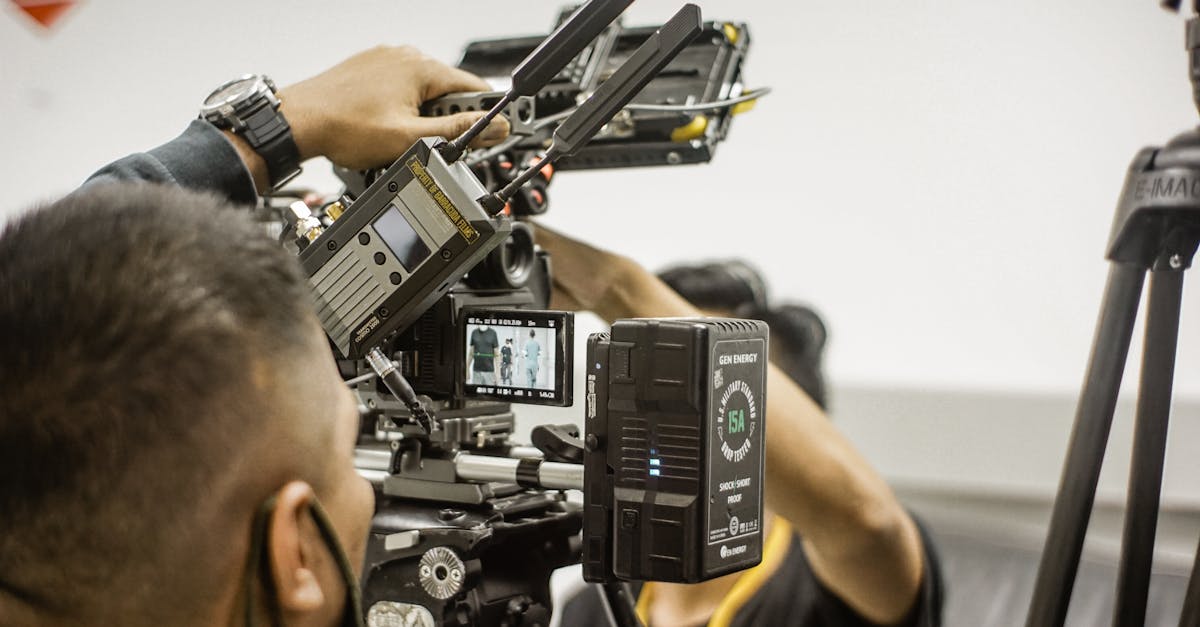
AI video generation has advanced rapidly, enabling creators to produce video content from text descriptions, images, or existing footage. This technology is transforming content creation, marketing, and entertainment.
What is AI Video Generation?
AI video generation uses machine learning models to create video content automatically. Unlike traditional video production requiring cameras, actors, and extensive editing, AI can generate videos from simple inputs.
Input types:
- Text descriptions (text-to-video)
- Still images (image-to-video)
- Existing video (video-to-video)
- Audio (for lip sync)
Leading AI Video Generators
OpenAI Sora
The most advanced text-to-video model announced.
Capabilities:
- Generate videos up to 60 seconds
- High quality and consistency
- Complex scene understanding
- Multiple characters and actions
Availability: Currently in limited release with gradual expansion.
Strengths:
- Exceptional video quality
- Long duration capability
- Good physics understanding
- Coherent motion
Limitations:
- Limited access
- Still developing
- May struggle with complex interactions
Runway Gen-3
Professional-grade AI video tools.
Features:
- Text-to-video generation
- Image-to-video animation
- Video-to-video transformation
- Inpainting and outpainting
- Green screen without green screen
Pricing:
- Free tier: Limited credits
- Standard: $12/month
- Pro: $28/month
- Unlimited: $76/month
Best for: Professional creators needing versatile video tools.
Pika Labs
User-friendly video generation platform.
Features:
- Text and image to video
- Easy-to-use interface
- Quick generation times
- Style customization
Pricing:
- Free tier available
- Pro: $8/month
- Unlimited: $28/month
Best for: Creators wanting accessible, affordable video generation.
Stable Video Diffusion
Open-source video generation.
Features:
- Image-to-video capability
- Self-hostable
- Customizable
- Active community
Pricing: Free (open source) - requires own compute.
Best for: Developers and technical users wanting control.
Luma Dream Machine
Fast, accessible video generation.
Features:
- Quick generation
- Both text and image input
- Reasonable quality
- Easy to use
Pricing:
- Free tier: 30 generations/month
- Standard: $24/month
- Pro: $96/month
Best for: Quick prototyping and experimentation.
HeyGen and Synthesia
Specialized for AI avatars and talking heads.
Features:
- Realistic AI presenters
- Multiple avatar options
- Multiple languages
- Script-to-video
Pricing: Starting around $24/month.
Best for: Training videos, presentations, marketing with virtual presenters.
Types of AI Video Generation
Text-to-Video
Generate video purely from text descriptions.
Example prompt: "A golden retriever running through a sunlit meadow, slow motion, cinematic quality"
Best practices:
- Be specific about actions
- Describe lighting and atmosphere
- Mention camera movement
- Specify style (cinematic, animated, etc.)
Image-to-Video
Animate still images.
Applications:
- Bring photos to life
- Animate artwork
- Create motion from illustrations
- Product animations
Tips:
- High-quality source images work best
- Simple, clear subjects animate better
- Consider what motion makes sense
Video-to-Video
Transform existing video with AI.
Capabilities:
- Style transfer
- Character replacement
- Background changes
- Enhancement and upscaling
Use cases:
- Artistic reinterpretation
- Effects without VFX expertise
- Concept visualization
Lip Sync and Avatars
Create speaking characters.
Features:
- Sync lips to audio
- Generate avatars from photos
- Multiple language dubbing
- Realistic expressions
Applications:
- Educational content
- Localization
- Virtual presenters
- Social media content
Prompting for Video
Structure Your Prompts
Include:
- Subject: Who or what is in the video
- Action: What is happening
- Setting: Where it takes place
- Style: Visual treatment
- Camera: Movement and framing
- Mood: Atmosphere and feeling
Example Prompts
Cinematic: "Slow motion close-up of rain drops falling on green leaves, soft natural lighting, shallow depth of field, peaceful atmosphere"
Product: "Sleek smartphone rotating on a white pedestal, soft studio lighting, reflections visible on surface, professional product video"
Artistic: "Abstract flow of colorful paint in water, macro photography style, vibrant blues and golds, dreamy and ethereal"
Prompt Tips
Be specific: Instead of "a city", try "busy Tokyo intersection at night with neon signs reflecting on wet streets"
Describe motion: Include verbs and direction - "walking toward camera", "slowly panning right", "objects floating upward"
Set the mood: Add emotional descriptors - "mysterious", "joyful", "tense", "serene"
Creative Applications
Social Media Content
Create engaging short-form videos.
Ideas:
- Eye-catching video thumbnails
- Animated product showcases
- Attention-grabbing transitions
- Unique visual effects
Marketing and Advertising
Produce marketing content efficiently.
Applications:
- Product demonstrations
- Concept visualization
- Ad variations for testing
- Personalized video at scale
Film and Entertainment
Support creative production.
Uses:
- Concept visualization
- Storyboarding
- Background generation
- Special effects prototyping
Education and Training
Create instructional content.
Benefits:
- Visualize abstract concepts
- Create virtual presenters
- Illustrate scenarios
- Scale content production
Art and Expression
Explore creative possibilities.
Opportunities:
- Music video creation
- Visual art
- Experimental narratives
- Interactive experiences
Technical Considerations
Resolution and Quality
Current capabilities:
- Most tools: 720p to 1080p
- Premium tiers often higher quality
- Upscaling available for some
Duration
Typical lengths:
- 4-10 seconds standard
- Up to 60 seconds (Sora)
- Combine clips for longer content
Generation Time
Varies widely:
- Simple clips: Seconds to minutes
- Complex generations: Minutes to hours
- Queue times during peak usage
Compute Requirements
Cloud services: No special hardware needed Local running: High-end GPU required (24GB+ VRAM ideal)
Workflow Integration
Pre-Production
Planning:
- Storyboard your vision
- Write detailed prompts
- Gather reference images
- Define style guides
Generation
Process:
- Generate multiple variations
- Iterate on prompts
- Save successful results
- Document what works
Post-Production
Editing:
- Combine clips in video editor
- Add transitions
- Color grade for consistency
- Add audio and music
- Add titles and graphics
Export
Considerations:
- Match platform requirements
- Optimize for delivery
- Maintain quality
Best Practices
Start with Clear Vision
Know what you want before generating.
Define:
- Purpose of the video
- Target audience
- Style and tone
- Key moments
Iterate Rapidly
Generate many variations quickly.
Approach:
- Try multiple prompts
- Test different angles
- Experiment with styles
- Learn what works
Combine with Traditional
Mix AI and traditional elements.
Hybrid workflow:
- AI backgrounds with real actors
- AI effects in edited footage
- AI concepts to final production
Mind the Limitations
Work around current constraints.
Current challenges:
- Physics inconsistencies
- Hand and finger issues
- Text generation
- Very long clips
Ethical Considerations
Authenticity
Be transparent about AI use.
Guidelines:
- Disclose AI-generated content when appropriate
- Do not present AI as real documentation
- Respect audience expectations
Rights and Ownership
Understand licensing.
Check:
- Commercial use permissions
- Content ownership
- Model training concerns
- Platform-specific terms
Responsible Use
Avoid harmful applications.
Do not create:
- Misleading deepfakes
- Non-consensual content
- Misinformation
- Copyright infringing material
The Future of AI Video
Near-Term Developments
- Longer video generation
- Higher resolution
- Better consistency
- More control options
- Real-time generation
Long-Term Vision
- Full film production assistance
- Interactive video generation
- Personalized content at scale
- Integration with other media
Getting Started
Experiment with Free Tiers
Try multiple platforms at no cost.
Start with:
- Pika Labs free tier
- Runway free credits
- Luma Dream Machine free generations
Build Your Skills
Develop prompting expertise.
Practice:
- Study successful examples
- Join creator communities
- Document what works
- Share and learn
Develop Workflows
Create efficient processes.
Establish:
- Prompt templates
- Generation standards
- Quality checkpoints
- Storage organization
Conclusion
AI video generation is rapidly advancing, making video creation more accessible than ever. While current tools have limitations, they already enable impressive creative possibilities.
Start experimenting with free tiers, develop your prompting skills, and integrate AI video into your creative workflow where it adds value.
Frequently Asked Questions
How long can AI-generated videos be?
Currently, most AI video generators create clips of 4-10 seconds. Sora can generate up to 60 seconds. For longer content, you typically combine multiple generated clips with editing software. Longer generation capabilities are actively being developed.
Can I use AI-generated videos commercially?
Commercial use depends on the specific tool and subscription tier. Paid tiers of Runway, Pika Labs, and similar tools typically allow commercial use. Always check the terms of service for your specific use case, especially for advertising or products.