Best AI Tools for Gamers in 2026: Level Up Your Gaming Experience
Discover AI tools that help gamers create clips, get coaching, optimize performance, and even make their own games. The complete gaming AI toolkit.
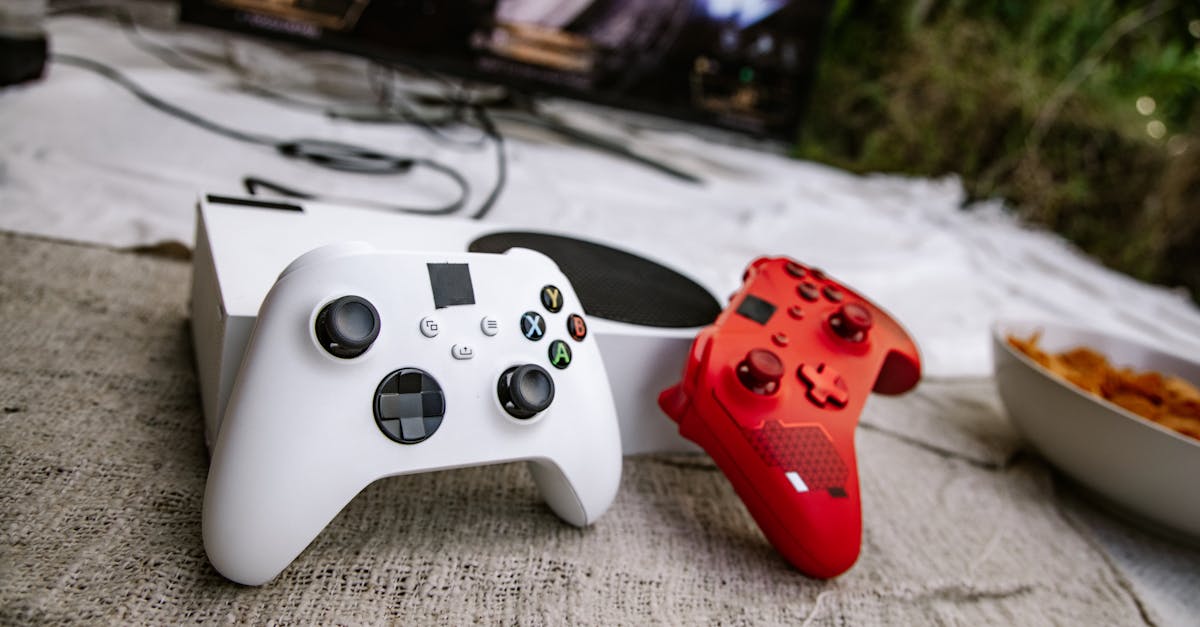
Gaming and AI are converging fast. In 2026, AI tools help you improve your skills, create highlight clips automatically, optimize your setup, and even build your own games from text descriptions.
Whether you are a casual player, content creator, or aspiring game developer, AI tools are changing what is possible.
AI Gaming Coaches
Razer Game Co-AI
Razer developed an AI gaming assistant that works like a real coach.
What It Does:
- Analyzes your gameplay in real-time
- Provides personalized recommendations
- Offers walkthroughs and strategy tips
- Optimizes system settings for performance
- Tracks improvement over time
How It Works: Game Co-AI uses vision analysis to watch your gameplay and understand what is happening. Combined with game APIs, it provides contextual advice—not generic tips, but suggestions based on your actual play style and current situation.
Why It Matters: Professional esports players have always had coaches. Now AI brings similar analysis to everyone. You get feedback on positioning, timing, resource management, and decision-making.
Other Gaming AI Assistants
Overwolf Apps: Various AI-powered overlays provide in-game statistics, opponent analysis, and strategic suggestions.
Game-Specific Tools: Many competitive games have dedicated AI analysis tools that track your stats and suggest improvements.
AI Clip Makers
Nexus Clips
Nexus Clips automatically identifies the best moments in your gameplay footage.
Features:
- AI detects highlights, kills, clutch plays
- Creates short vertical clips automatically
- Adds animated subtitles
- Formats for TikTok, YouTube Shorts, Reels
- High-definition output
Workflow:
- Record your gameplay
- Upload to Nexus Clips
- AI identifies highlight moments
- Get formatted clips ready to post
Time Saved: Instead of watching hours of footage to find good moments, AI does it in minutes.
Creating Gaming Content
AI Tools for Streamers:
- Clip generation: Automatic highlight detection
- Thumbnail creation: AI generates eye-catching thumbnails
- Audio enhancement: Clean up mic audio automatically
- Background removal: Professional greenscreen effects without greenscreen
For more content creation tools, see our AI for YouTubers guide.
NVIDIA AI Gaming Tools
NVIDIA App
NVIDIA consolidated their gaming AI tools into one application.
Key Features:
DLSS (Deep Learning Super Sampling): AI upscaling that makes games look better while running faster. DLSS 4 uses AI to generate frames, dramatically improving performance without sacrificing quality.
NVIDIA Broadcast:
- AI background removal for streaming
- Noise cancellation that removes keyboard clicks
- Eye contact correction
- Auto-framing that follows you
Performance Tuning: AI optimizes your settings for the best balance of quality and frame rate.
Why It Matters: These tools let budget hardware perform like expensive rigs. DLSS alone can double your frame rates in supported games.
AI Game Development
Rosebud AI
Rosebud AI turns game ideas into playable prototypes.
How It Works:
- Describe your game concept in text
- AI generates initial code and assets
- Refine mechanics through conversation
- Export and share your game
Capabilities:
- 2D and 3D games
- Custom assets via AI image generation
- Mechanics generation
- Browser-based—no installation needed
Who It's For:
- Gamers with game ideas but no coding skills
- Rapid prototyping for developers
- Learning game development concepts
- Game jam participants
Unity ML-Agents
For more serious development, Unity's ML-Agents creates intelligent NPCs.
Applications:
- NPCs that learn and adapt
- Realistic enemy AI
- Dynamic difficulty adjustment
- Playtesting automation
Skill Level: Requires some programming knowledge
Ludo.ai
Ludo.ai helps with the business side of game development.
Features:
- Market research and trend analysis
- Asset generation
- Concept validation
- Competitive analysis
AI for Specific Games
Strategy and MOBA Games
AI analysis helps with:
- Build optimization
- Match-up analysis
- Timing and macro decisions
- Draft assistance
FPS Games
AI tools provide:
- Aim analysis and improvement tips
- Map positioning suggestions
- Crosshair placement tracking
- Movement optimization
Card Games
AI assistance includes:
- Deck building recommendations
- Meta analysis
- Win probability calculations
- Play suggestions (be careful in ranked)
AI and Game Integrity
What's Allowed
Generally Acceptable:
- Post-game analysis
- Practice and training tools
- Overlay statistics
- Performance optimization
- Content creation tools
Generally Prohibited:
- Real-time aim assistance
- Automated play (bots)
- Exploits and hacks
- Information not available in-game
Checking Policies
Always verify with:
- Game's terms of service
- Tournament rules
- Competitive league policies
Using prohibited tools risks bans, lost rankings, and reputation damage.
Building Your Gaming AI Stack
For Casual Gamers
- NVIDIA tools for performance (if you have NVIDIA GPU)
- Basic clip maker for memorable moments
- ChatGPT for game tips and guides
For Competitive Players
- AI coaching tool for your main game
- Performance analysis tracking
- VOD review assistance
- Statistics tracking overlays
For Content Creators
- Clip automation (Nexus Clips or similar)
- NVIDIA Broadcast for streaming
- Thumbnail generation AI
- Video editing AI tools
See our AI video editing guide for more.
For Aspiring Developers
- Rosebud AI for prototyping
- AI asset generation tools
- Unity ML-Agents for NPC behavior
- Ludo.ai for market research
The Future of AI in Gaming
Current Trajectory
- AI-driven content disclosure increasing (expected in 7,000+ titles in 2026)
- Gaming industry projected at $321 billion by 2026
- 85% of customer interactions handled by AI chatbots (Gartner prediction)
- Deeper integration of AI in game design and balance
What to Expect
- More sophisticated AI coaches
- Better NPC behavior and adaptation
- Procedurally generated content
- AI-assisted game creation becoming mainstream
- Real-time translation for global gaming
Privacy and Security
Consider What You Share
- Gameplay recordings may include voice chat
- Performance data reveals gaming habits
- Account connections have security implications
Best Practices
- Use reputable tools only
- Review privacy policies
- Be cautious with account access
- Understand what data is collected
For more on AI data practices, see our privacy guide.
Related Resources
- AI for YouTubers - Content creation tools
- AI Video Editing - Edit gaming content
- AI Image Generation - Create thumbnails
- Best Free AI Tools - Free options
- AI Voice Cloning - Voice content


